

Keyword Trigger Setup
Keyword Triggers allow you to automatically start specific chatbot flows based on user messages. When a customer sends a message containing certain keywords, the corresponding chatbot flow will be triggered instantly.
This helps you automate conversations and route users to the right flow without manual intervention
What is Keyword Trigger?
A Keyword Trigger is a rule that connects user input (text message) to a chatbot flow.
👉 Example:
User sends: “price”
→ Price Enquiry Bot starts
Where to Configure
👉 Automation → Keywords
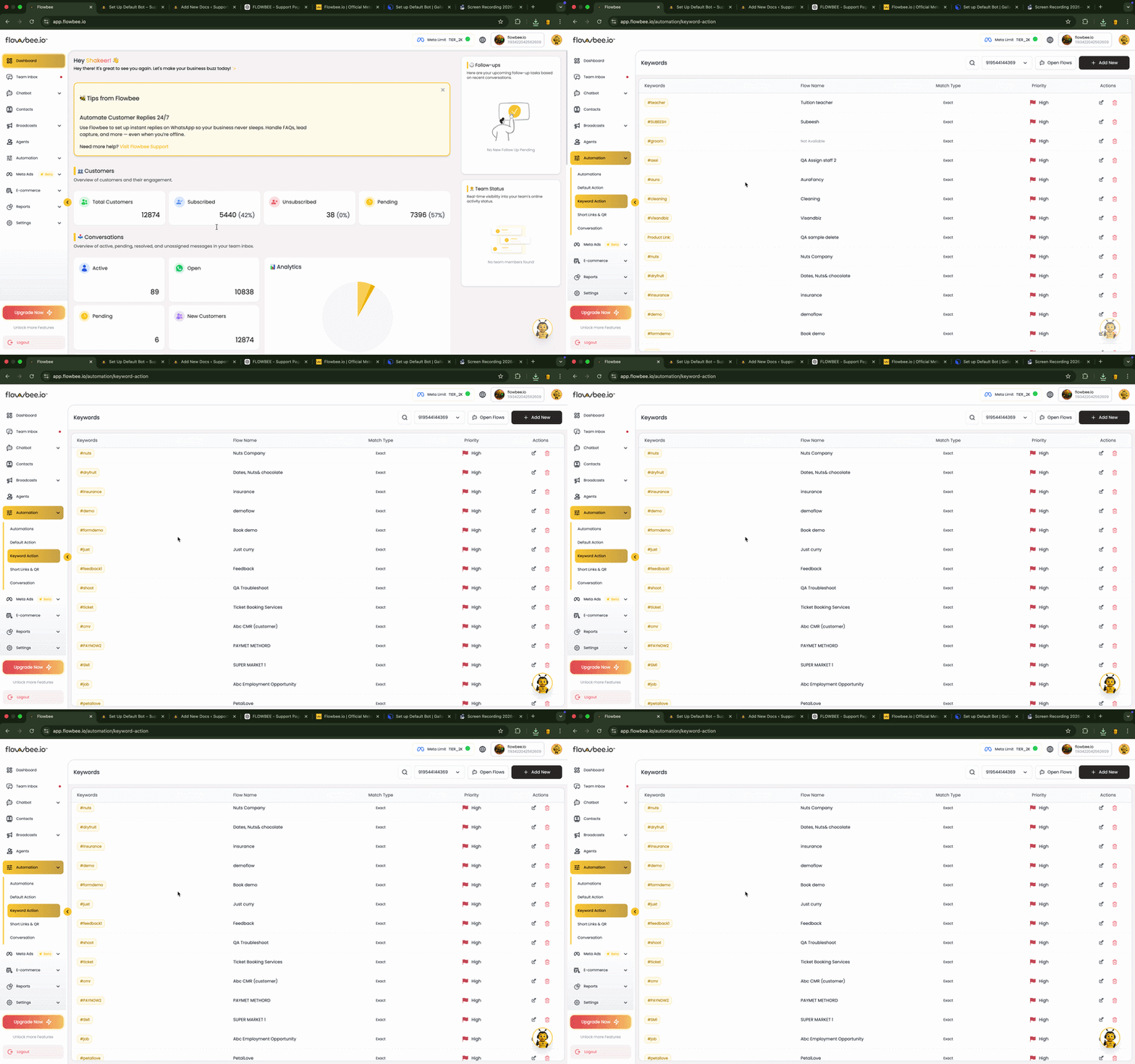
Configuration
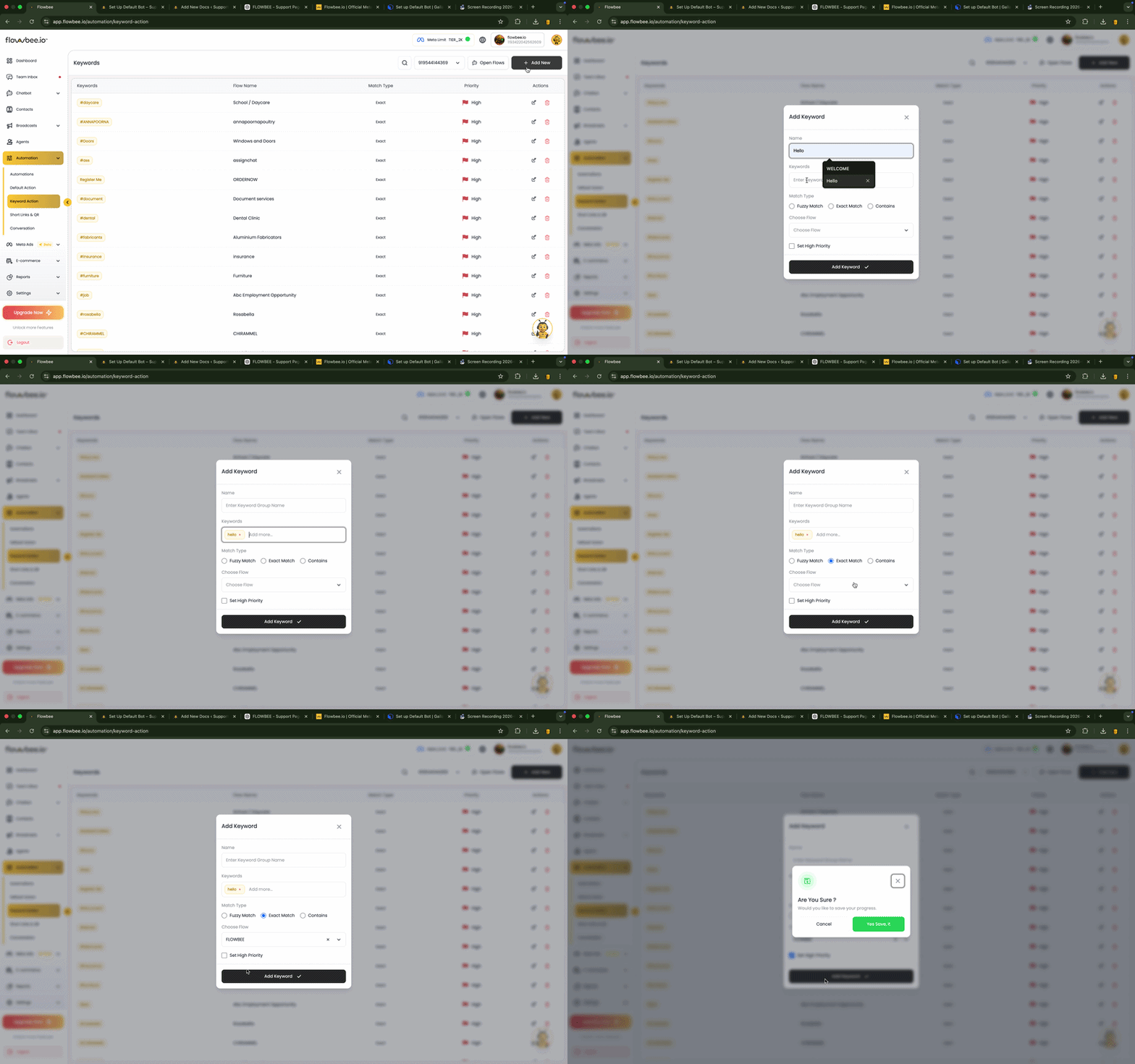
🔤 Keywords
You can add one or multiple keywords for a single chatbot flow.
Examples:
- “price”
- “cost”
- “rate”
👉 All these can trigger the same bot
🤖 Select Chatbot Flow
Choose which chatbot flow should be triggered when the keyword matches.
🎯 Keyword Matching Types
Flowbee provides 3 types of matching:
1. Exact Match
Triggers only when the message exactly matches the keyword.
👉 Example:
Keyword: price
User message: price → ✅ Trigger
User message: price details → ❌ Not triggered
2. Contains Match
Triggers when the message contains the keyword anywhere.
👉 Example:
Keyword: price
User message: what is the price → ✅ Trigger
3. Fuzzy Match
Triggers even if the keyword is slightly different or has typos.
👉 Example:
Keyword: price
User message: prce → ✅ Trigger
⚡ Priority
You can set priority for keyword triggers:
🔴 High Priority
- Triggers even during an active chatbot session
- Overrides current flow
👉 Use for:
- Urgent actions
- Important commands
⚪ Normal Priority
- Triggers only when there is no active session
- Works mainly for new conversations